While working on development projects, I kept running into the same problem. I work in WSL, switch between multiple VS Code workspaces, and in each project I have custom AI skills for defining tasks, features and bugs. Every time I switched to a different project, I had to tweak and adapt those skills again. And when I came back to a project two or three weeks later? Half an hour just to remember where I left off.
I realized that what I need is not another cloud-based task manager. I need something that lives directly in the project and is designed so that the AI assistant understands it — with a tailored interface for working with tasks. I’m just here to review the AI assistant’s work.
Why not an existing tool?
I tried several task managers. The problem was always the same — they’re either cloud-based and require API keys and configuration, or they’re not designed for communication with AI assistants. I wanted a tool where:
- tasks live directly with the code in the repository
- the AI assistant is the primary interface, not a web form
- everything runs locally with no dependency on external services
- switching between projects is instant
How Kleidi Task was born
Kleidi Task is a local-first task tracker built in Go as a single binary. No cloud, no external dependencies.
Key design decisions
Per-project SQLite — each project has its own SQLite database in the .tasks/ directory. Tasks live with the code, can be committed, and when I open a project the context is immediately available.
MCP-first design — Model Context Protocol is the primary interface. Claude, Cursor and Copilot communicate with Kleidi Task directly through the MCP server. When I ask “what was in progress?”, the AI assistant has instant access to all tasks, their status, notes and workflow phases.
Single service layer — CLI, REST API, Web UI (Kanban board) and MCP server all share a single service layer. Anything I create through a chat with the AI is also visible in the web interface and vice versa.
Typed workflows — tasks are divided into task:, feature:, bug: and hotfix:, with each type having its own workflow with different phases. A feature, for example, goes through todo → research → implementation → review → documentation → done.
Dashboard and projects
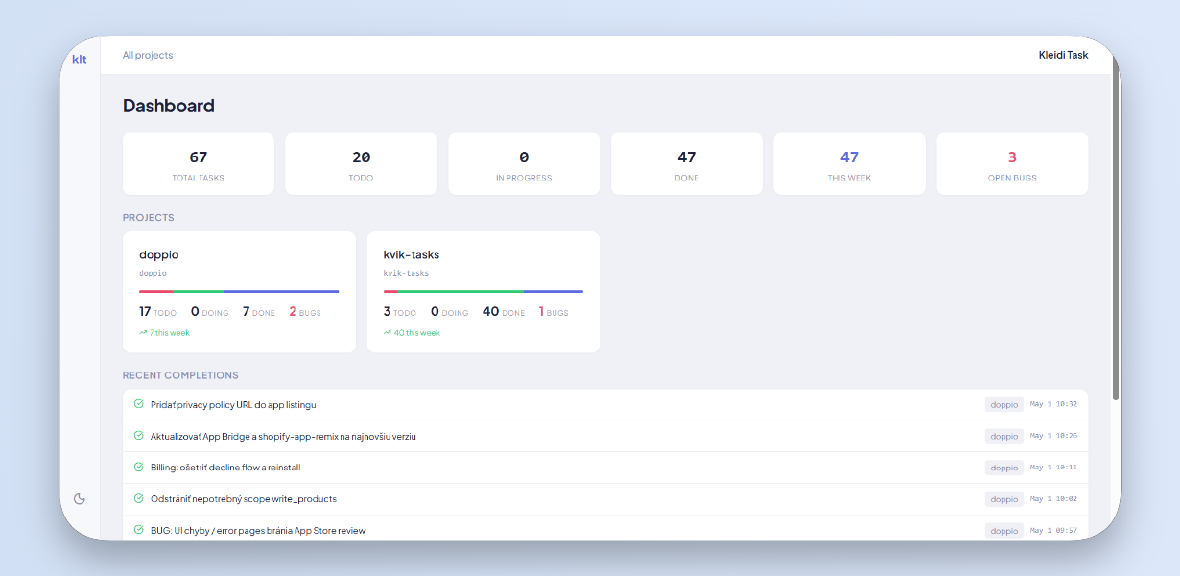
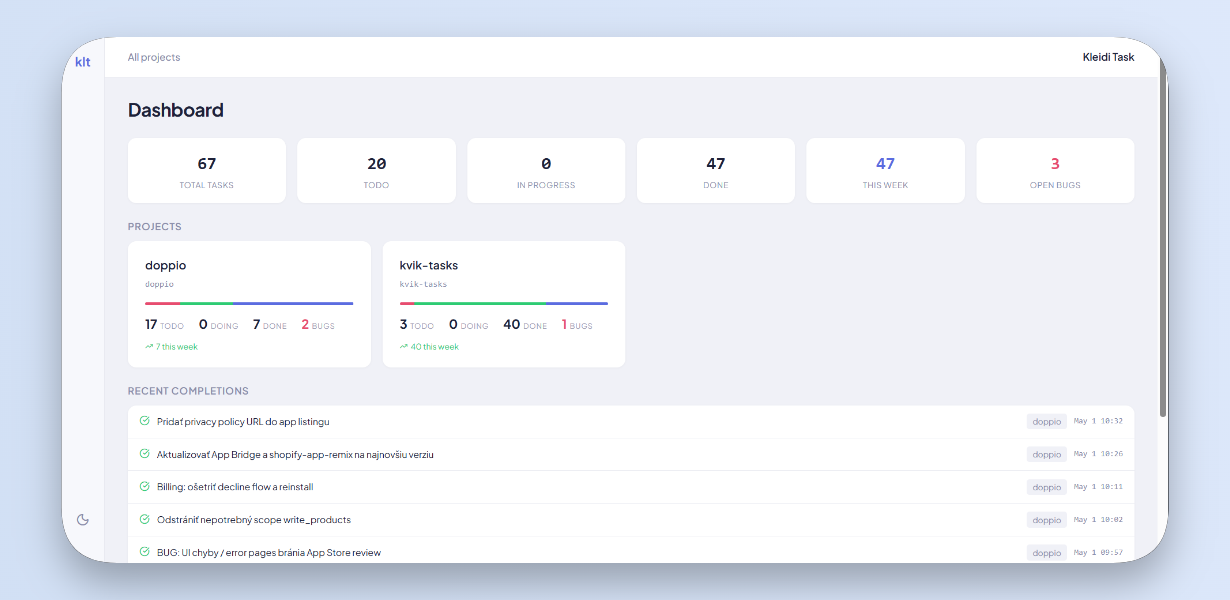
The dashboard gives an overview of all projects — how many tasks are todo, in progress, done, and how many open bugs there are.
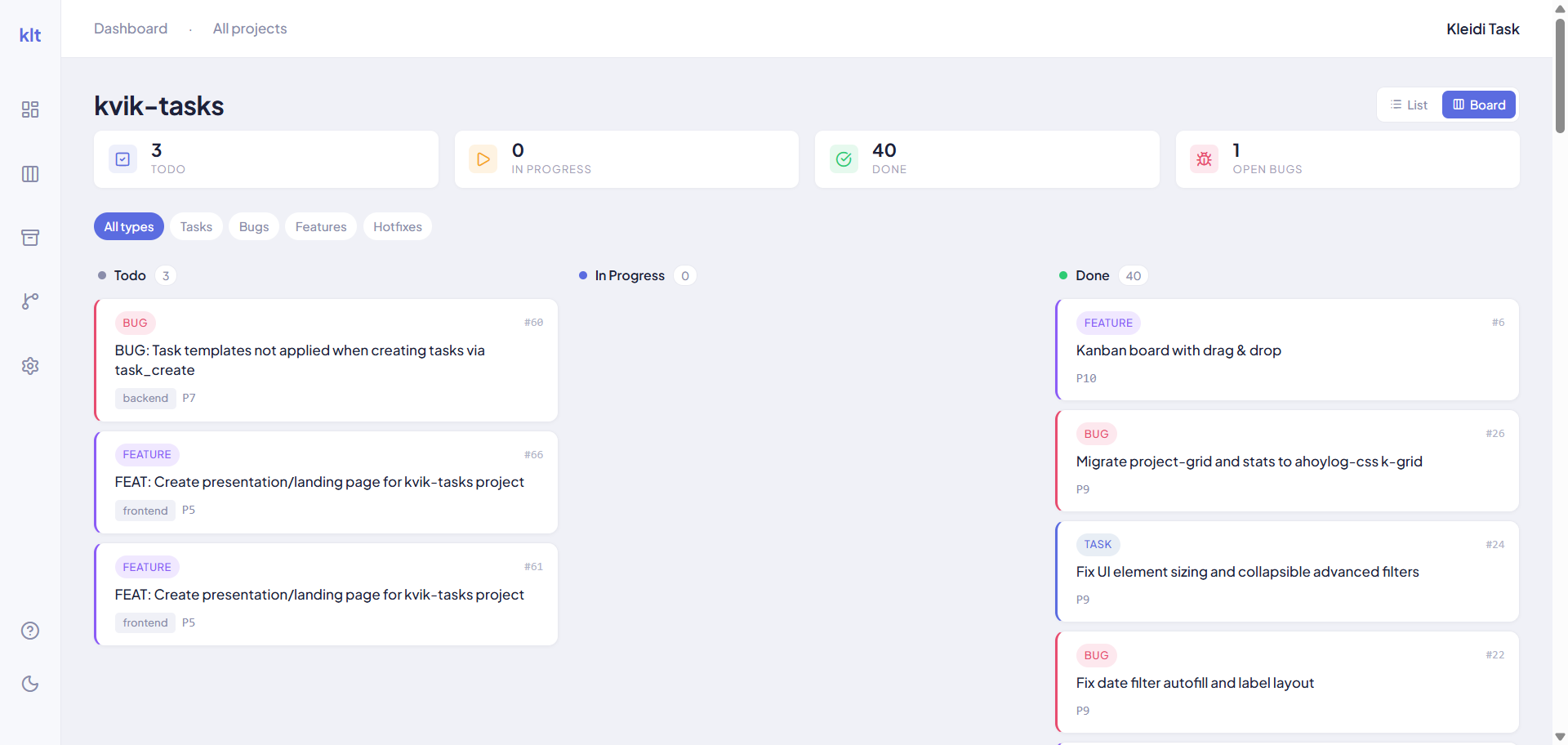
Kanban board
Each project has its own Kanban board with drag & drop, filterable by task type.
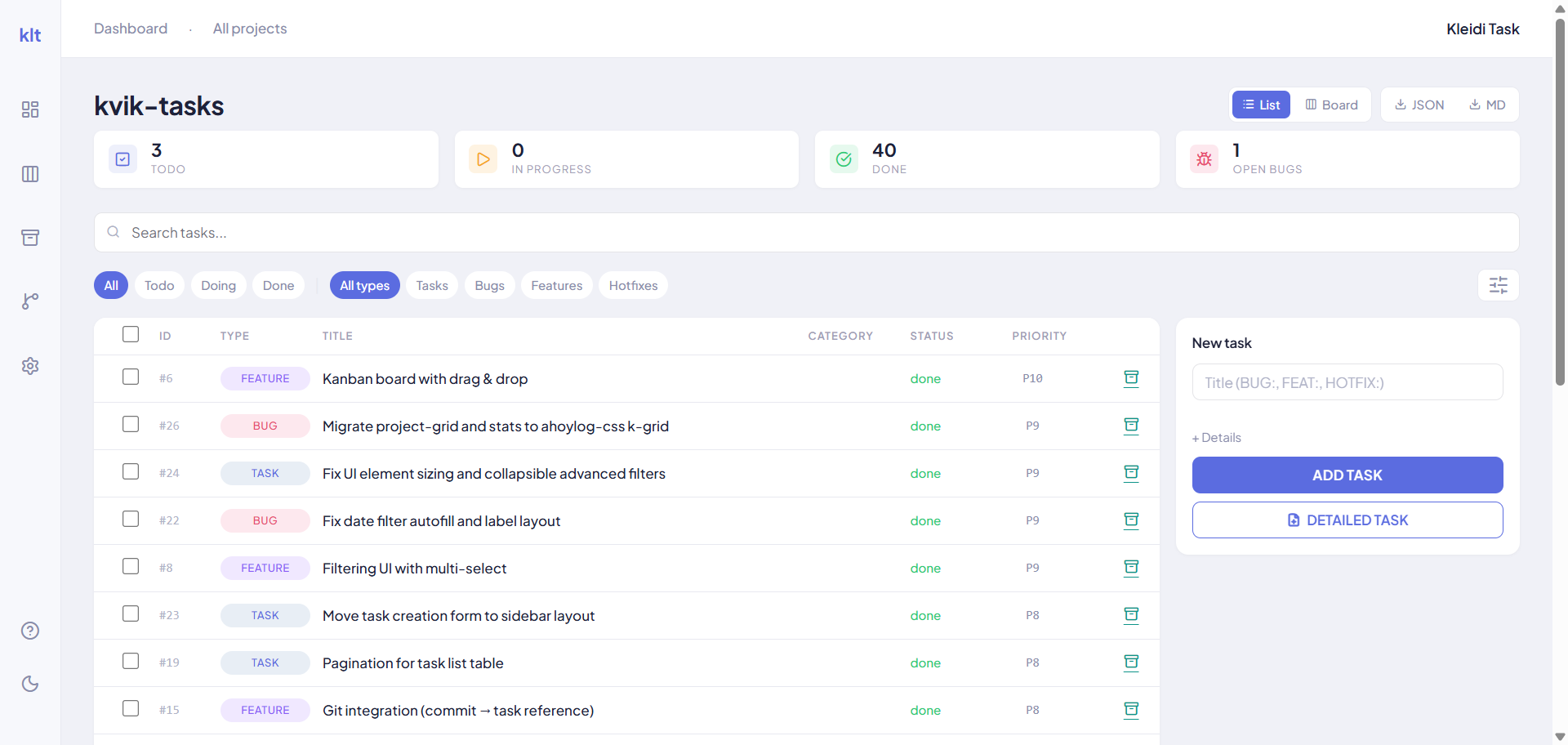
Task list
List view with search, filters by status and type, and the ability to export to JSON or Markdown.
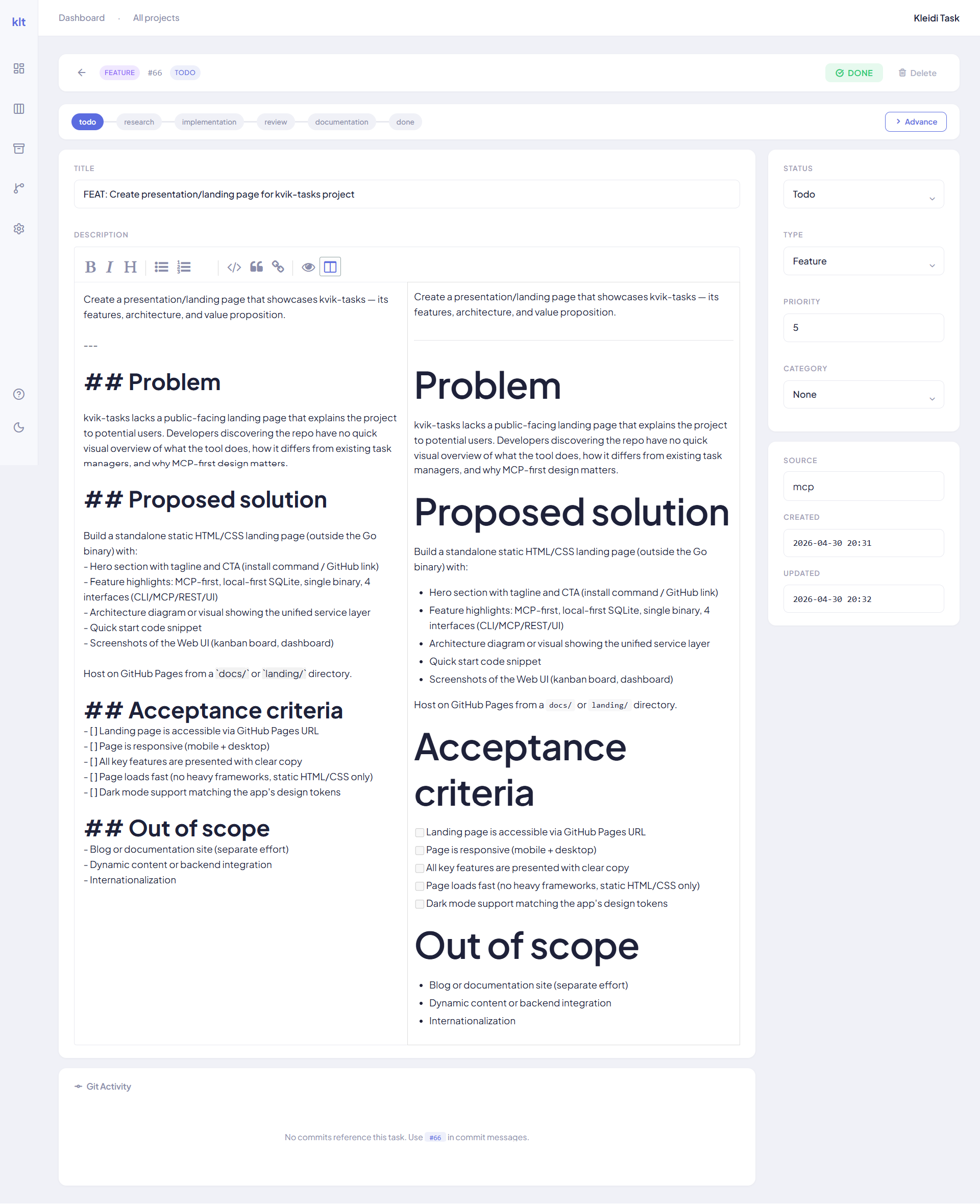
Task detail
Each task has a markdown editor with preview, workflow phases, priority, category and git commit tracking.
How I use it in practice
A typical workflow looks like this:
- I open a project in VS Code
- In the chat with Claude I type “what was in progress?”
- Claude reads the tasks via MCP and gives me context
- I discuss the next steps with the AI, creating new tasks directly through the chat
- During implementation the AI moves tasks through workflow phases
The biggest benefit shows up when switching between projects. When I come back to a project after three weeks, I don’t have to remember where I left off. I open Claude, ask, and I have the full context instantly.
On top of that, I can monitor projects and add tasks whenever something comes to mind, regardless of which project I’m currently working in.
Tech stack
- Go — single binary, simple deployment
- SQLite — per-project database, no external DB server
- MCP Server — primary interface for AI assistants
- REST API — for Web UI and integrations
- Web UI — Kanban board, list view, dashboard